- Can customers use the kiosk to both buy and sell cards?
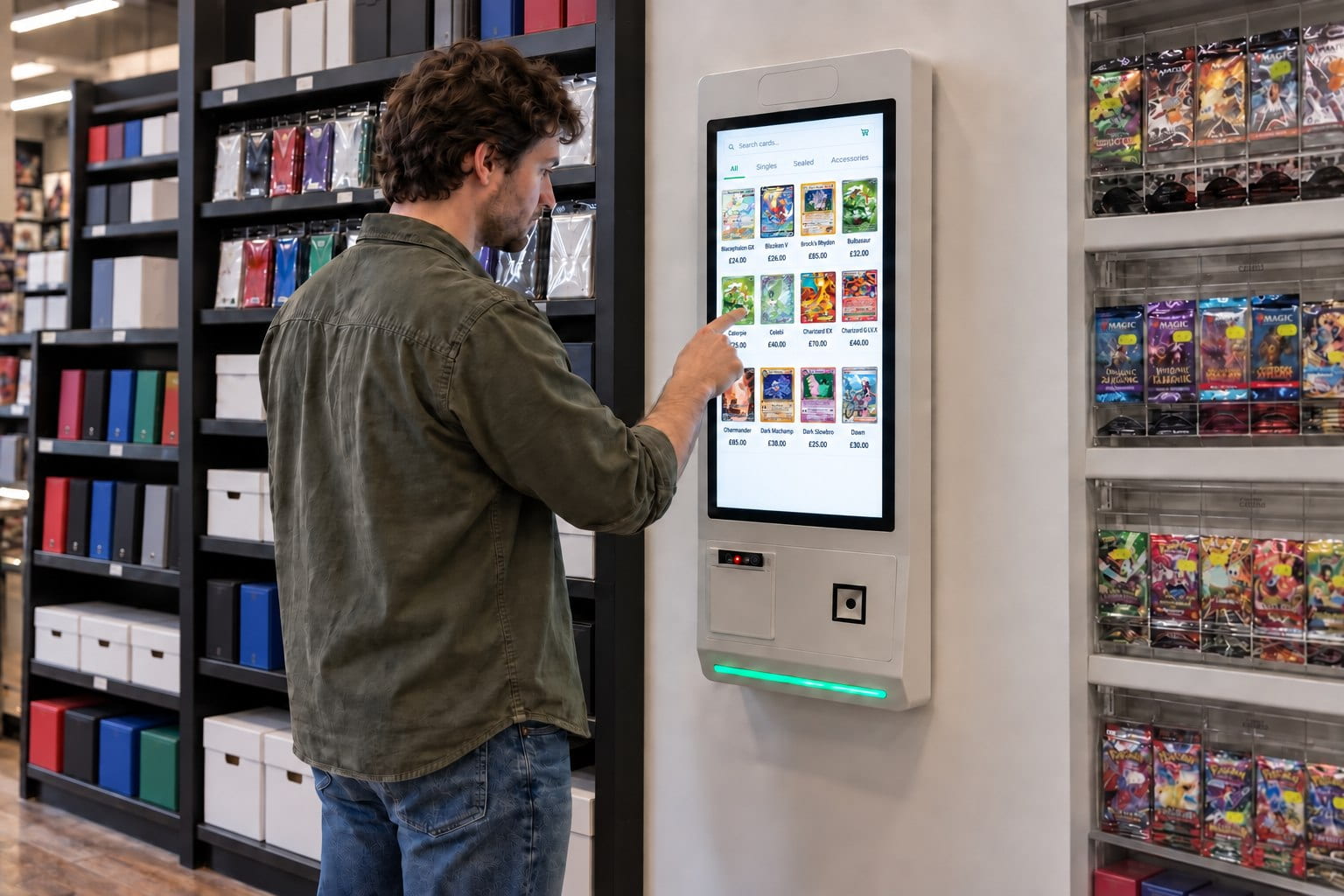
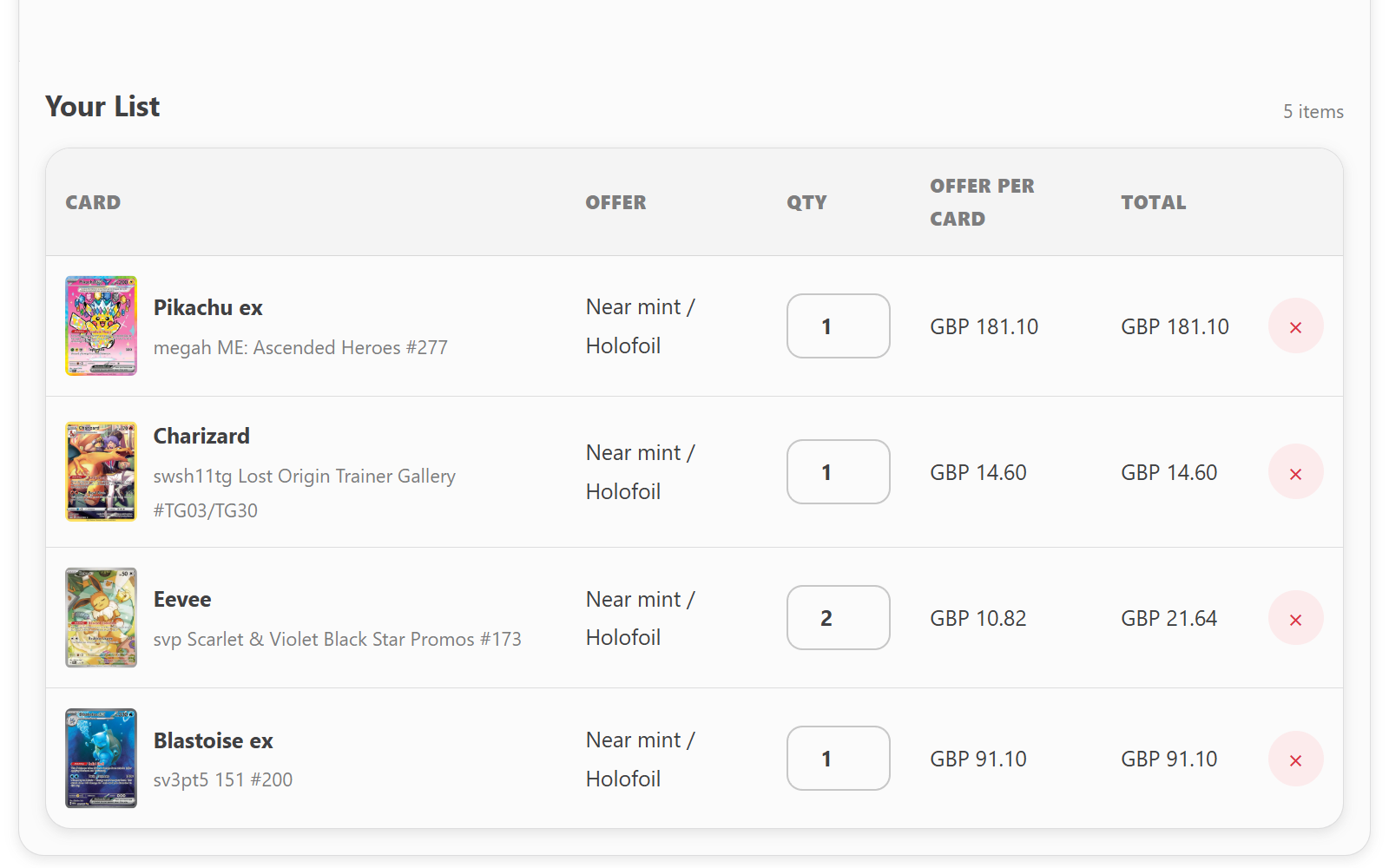
- Yes. Customers can browse your singles and build an order. With the optional Buylist module, they can also prepare a list of cards they want to sell to your store.
- Do we need a separate catalogue for the kiosk?
- No. The kiosk connects to the Shopify catalogue your team already manages, so you can use your existing products and prices. Your online store stays as it is.
- How does a kiosk trade-in work?
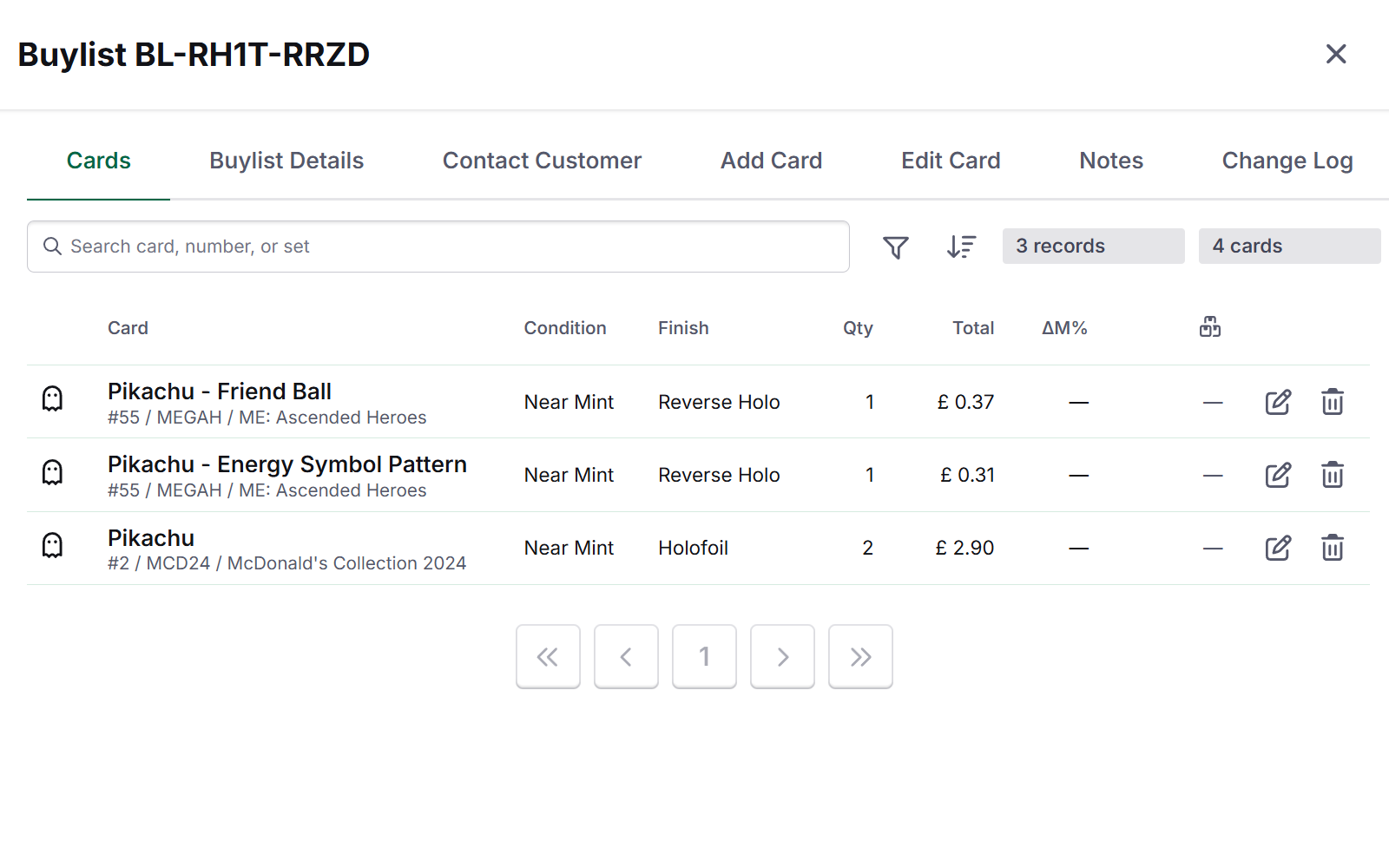
- Customers find their cards, add quantities and compare estimated cash and store-credit offers. Your team receives the list, checks the physical cards and agrees the final offer with the customer.
- Does the customer have to pay at the kiosk?
- No. Customers can pay at your till when they collect their cards. Kiosk payment can also be configured with a compatible Stripe Terminal.
More kiosk questions
- Can we use the kiosk at card shows?
- Yes. Customers can browse your singles or prepare a buylist submission at a show too. You’ll need suitable space, power and an internet connection for your kiosk setup.
- Can accepted trade-ins become stock to sell?
- Yes. After your team reviews the submission, accepted cards can move into your inventory with the condition, language and finish you’ve confirmed.