Trading card inventory
Turn card lists into stock ready to sell.
Upload a card list, check the matches and add stock to the right Shopify variants. Card Companion uses products you’ve already linked and prepares any that are missing.
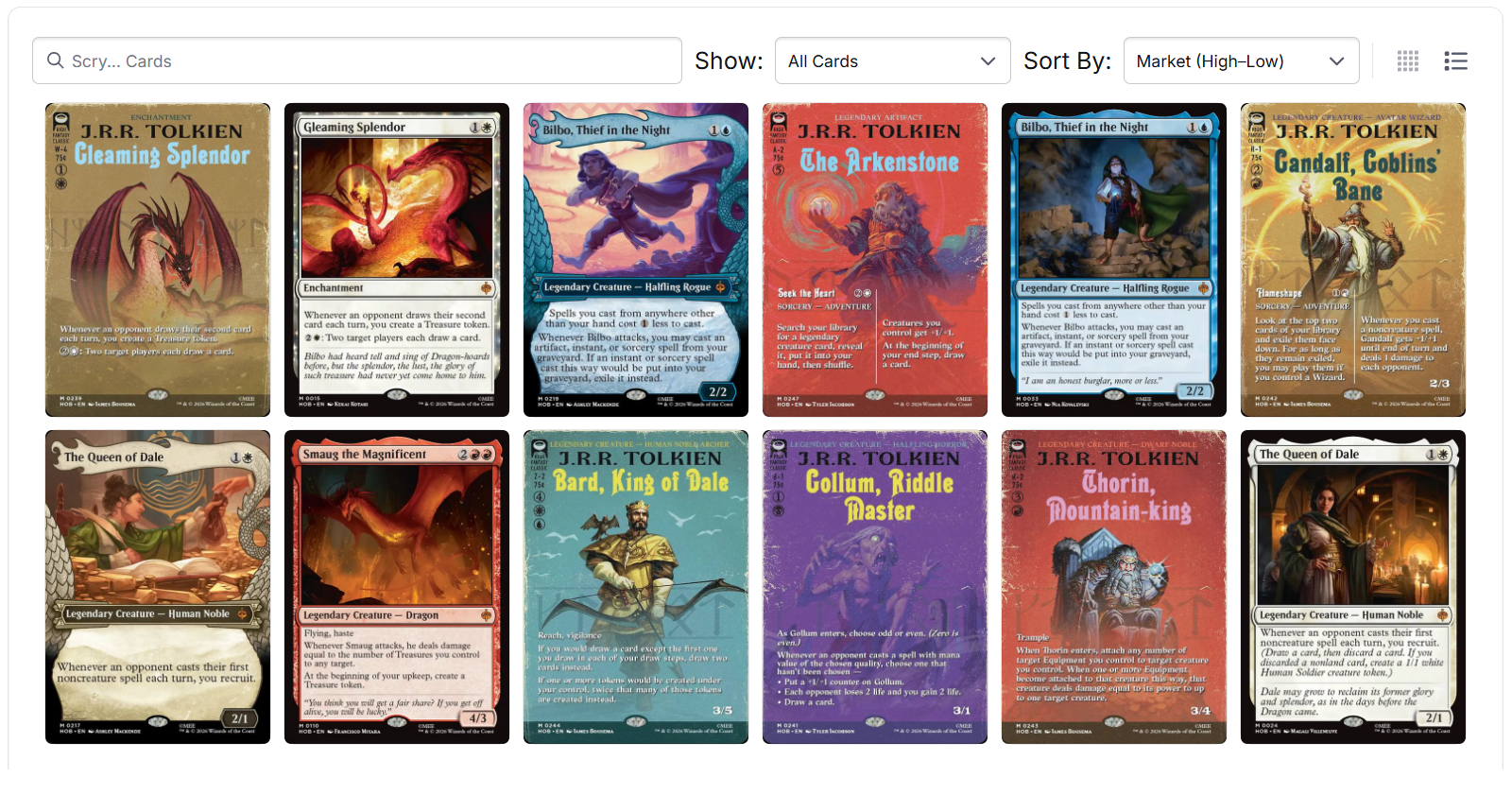
01 Add your cards
Start with the cards you have.
Upload a supported CSV, add cards manually or bring in an accepted buylist. You can also work from a complete set.
Your cards stay together in a batch, ready for your team to check before updating stock.
02 Check the matches
Use the products you already have.
Card Companion checks for a linked product for each card in your batch. When there’s a match, you can add stock to its existing variants.
For cards without a product, it prepares one using the catalogue’s card details. Review the matches and new products together before you publish.
03 Update your stock
Keep each version’s stock separate.
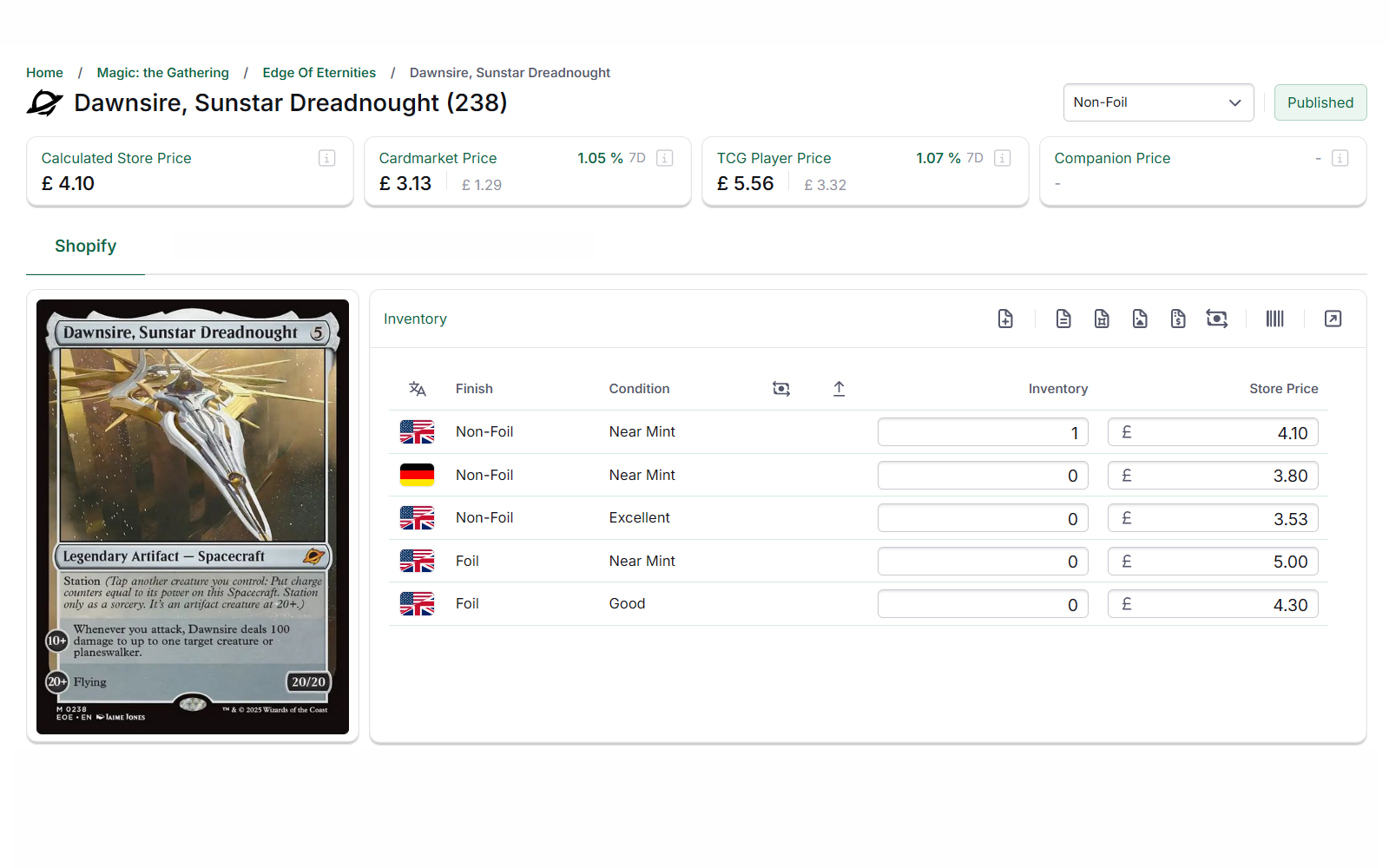
Each condition, language and finish has its own quantity. Your foil and non-foil copies of the same printing share a product, but keep separate stock counts.
When more copies arrive, add them to those same linked variants. Your team keeps working with the products it already knows.
Before your first import
Questions before you add your stock.
- How can we add cards in bulk?
- Upload a supported CSV, bring in an accepted buylist or work from a complete set. Review the cards, matches and quantities together, then publish the stock to Shopify.
- Which import sources are supported?
- Supported sources include TCG PowerTools, Cardmarket, TCGplayer, ManaBox, Magecards, Magic Sorter and Phyzbatch Card List. See our TCGplayer app scan-to-CSV guide for an example.
- Can we use the products already in our Shopify store?
- Yes. Card Companion checks for linked Shopify products and uses their matching variants when it finds them. It prepares new products for cards that don’t have one, ready for your review.
- How is this different from the Product Catalogue?
- The Product Catalogue helps you create the Shopify products and variants you want to sell. Inventory Management handles the cards you have in stock: uploading lists, checking matches and updating quantities.
More Shopify inventory questions
- Can Card Companion create missing Shopify products?
- Yes. Card Companion uses catalogue data to prepare products for the cards in your batch. You can review them before publishing to Shopify.
- How are card quantities organised in Shopify?
- Each combination of condition, language and finish has its own Shopify variant and quantity. For the same printing, foil and non-foil copies keep separate stock counts within one product.
Bring along a card list.
We’ll walk through an import together, from checking the cards to adding stock to the right products.