Barcode labels for your card store
Get your cards ready to scan.
Spend less time looking up singles at the counter. Card Companion helps you prepare and customise barcode labels with the details your team needs, ready to scan and sell through Shopify POS.
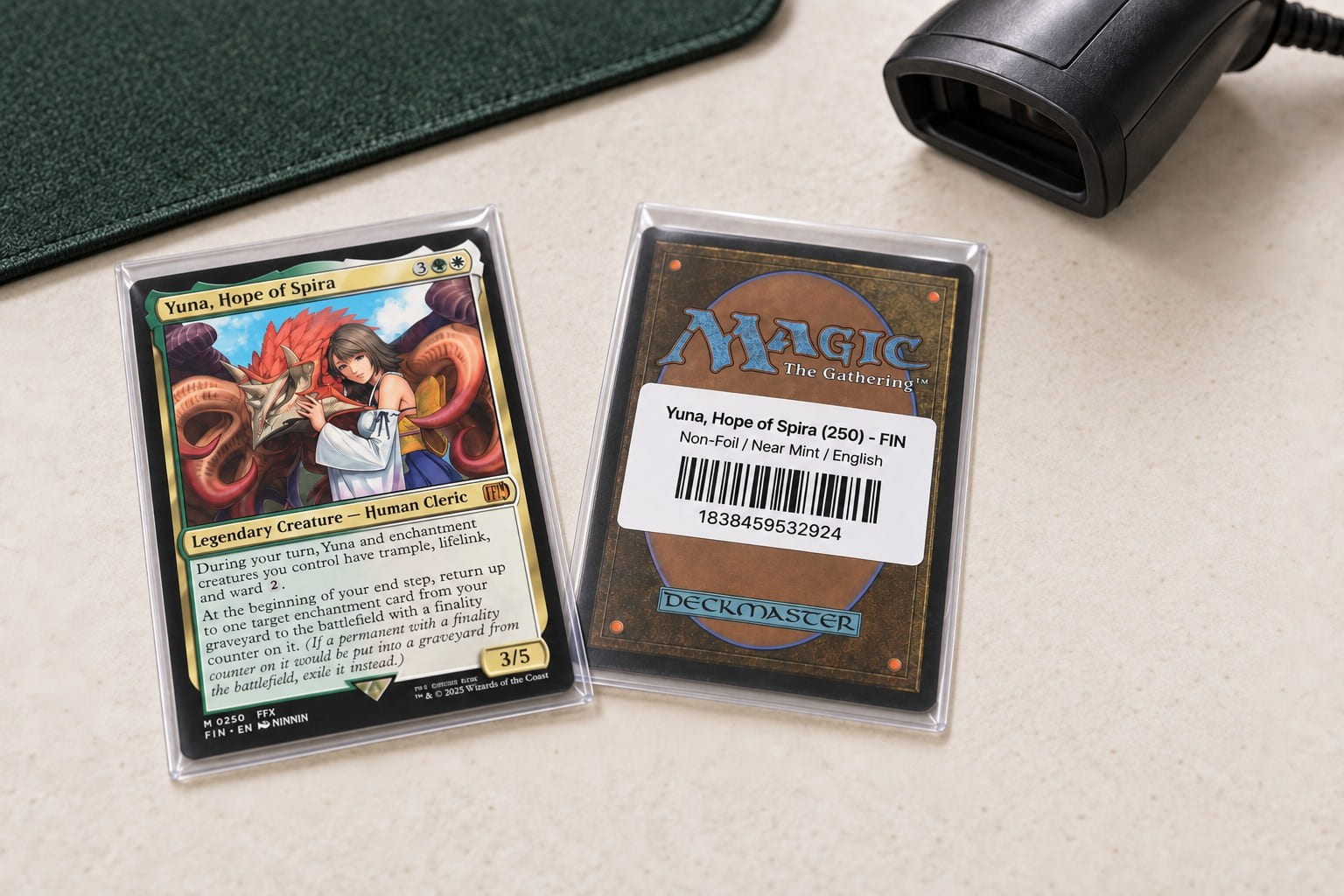
01 Choose your stock
Pick the right version, every step of the way.
The same card can have different conditions, languages and finishes, each with its own stock and price. Card Companion prepares labels against the matching variants so your team can tell those versions apart.
Filter by game, condition, finish, language or stock availability. Review the included records before printing, so you’re preparing labels for the stock you want to sell.
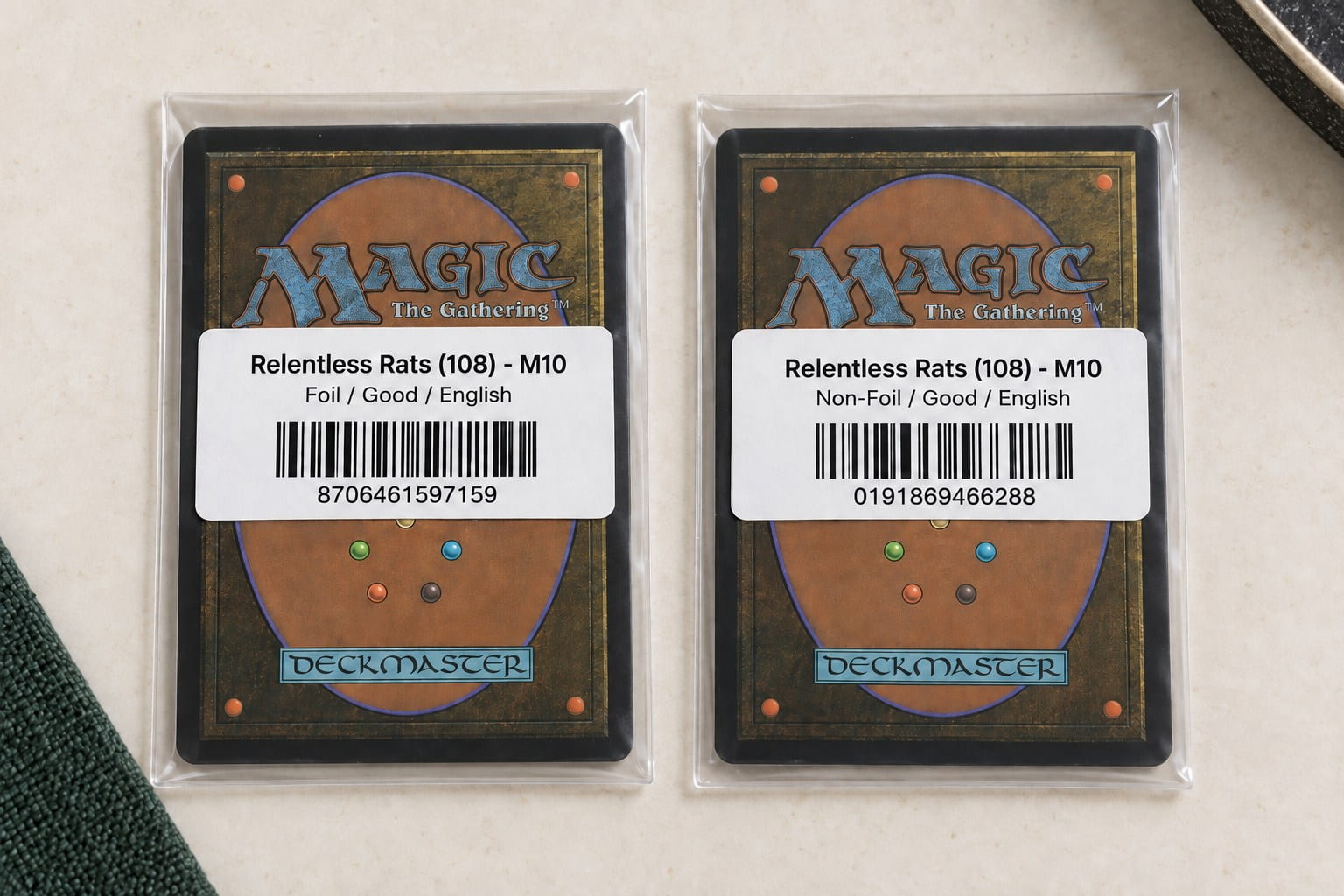
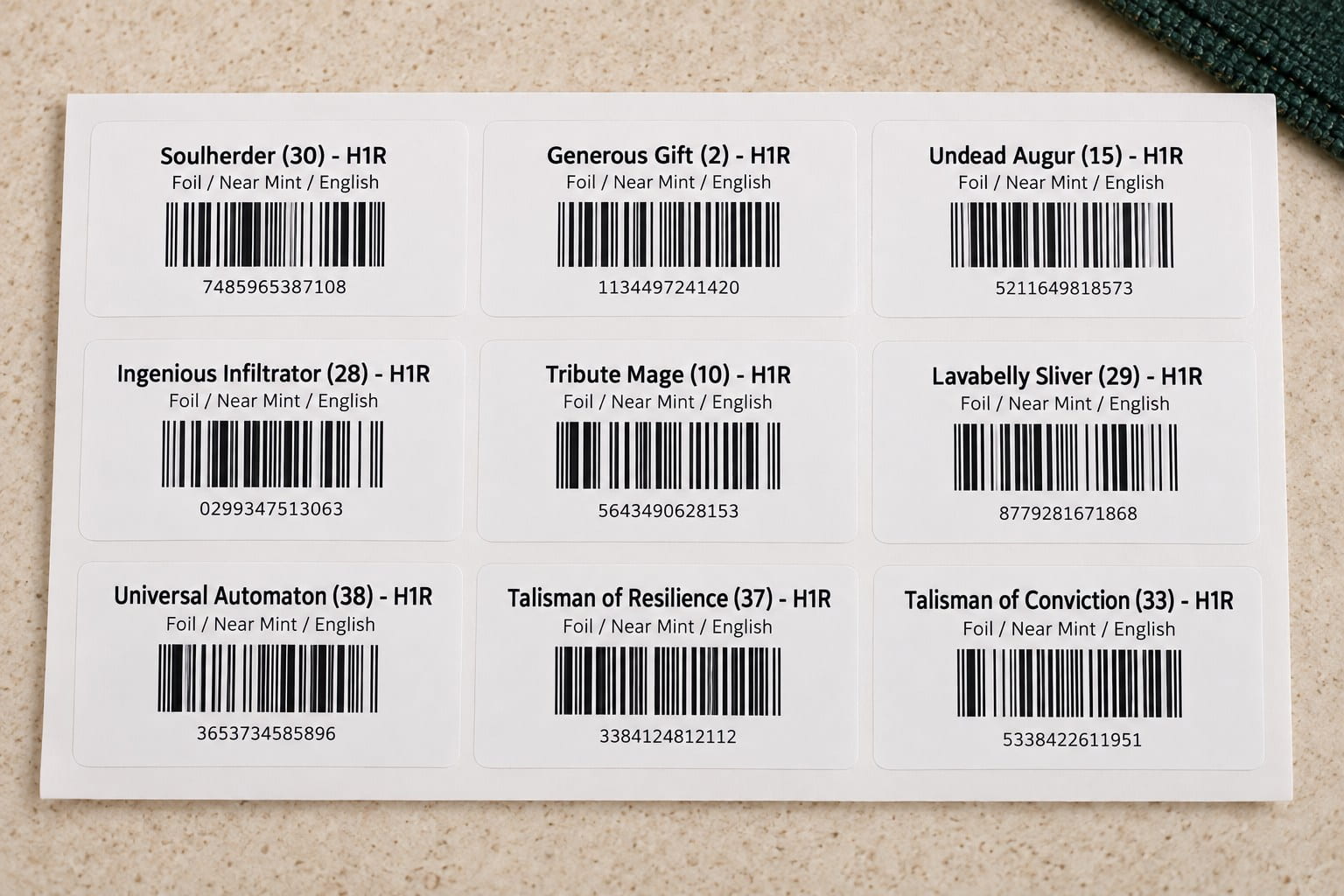
02 Customise and print
Make the label your own.
Put the price, product name or your own text at the top. Choose the details underneath: product name, price, SKU, condition, language, finish or vendor. Make prices easy to see and variants easy to check.
Choose your sheet or roll label stock and whether to display the barcode symbol. Check the preview before printing through your browser, so the labels suit your counter and the way your team works.
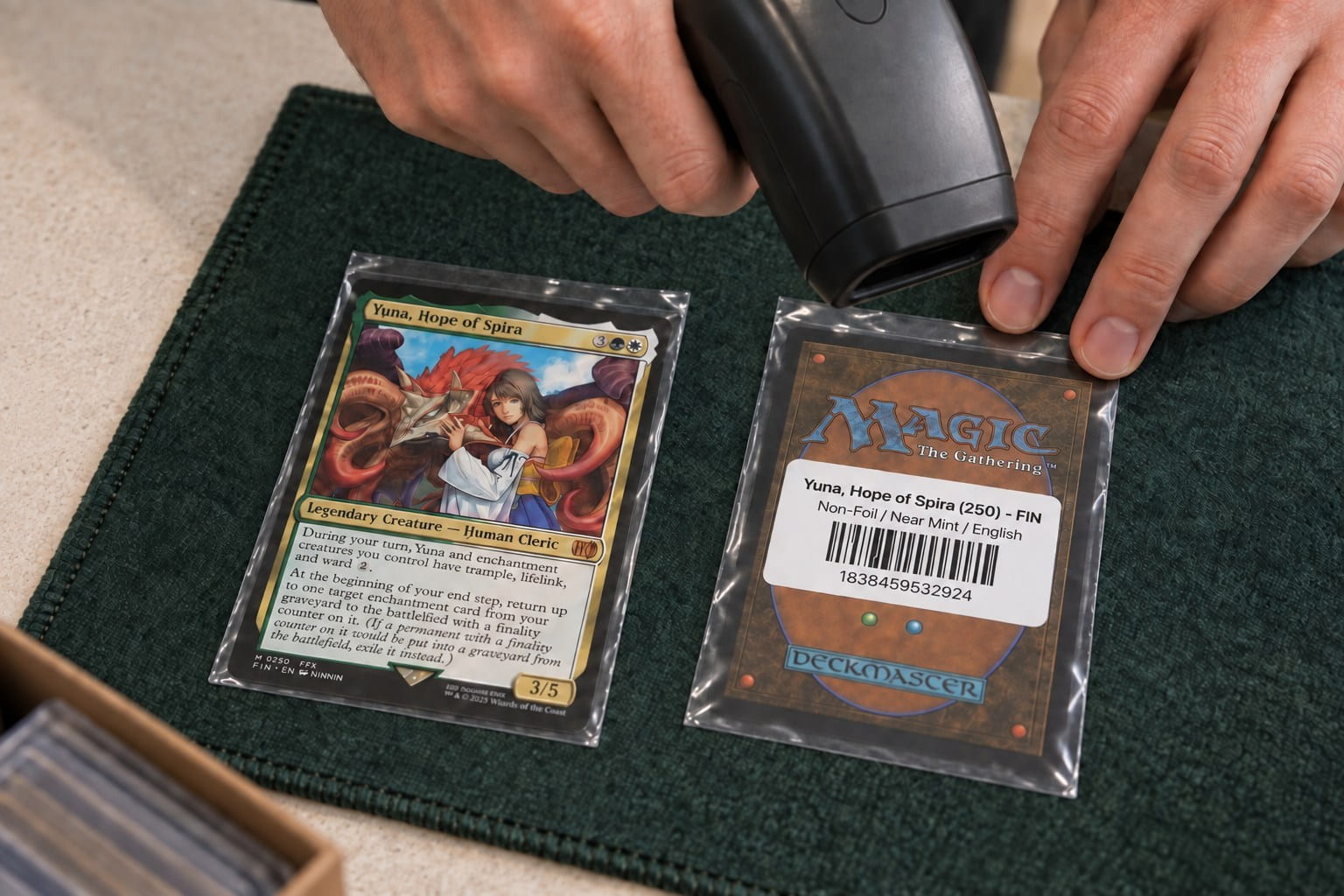
03 Scan and sell
Less searching. More time for your customer.
Scan the label to bring up the matching variant at the counter. Check the physical card’s printing, condition, language and finish, then complete the sale without searching the catalogue by name.
Barcode and POS questions
Before you print your first labels.
- Does Card Companion replace our POS?
- No. Card Companion prepares barcode-ready products and variant labels. Shopify POS handles checkout, payment and receipts.
- Does every copy need a different barcode?
- No. Copies of the same printing with the same condition, language and finish can share a barcode. Their stock quantity is tracked against the matching variant.
- What can we print labels from?
- Prepare labels from a set, product, inventory batch or buylist. Check the variants and quantities before printing.
- Can we customise our barcode labels?
- Yes. Use custom text, the product name or the price as your title. Choose the fields underneath, including product name, price, SKU, variant details and vendor. Select your label stock, show or hide the barcode symbol and preview the layout before printing.
- Does Card Companion print directly to our printer?
- Card Companion prepares the label layout. Your browser and printer complete the print job.
Let’s get your cards ready for the counter.
See how Card Companion helps you prepare your cards, customise your labels and get your team ready to scan and sell.