Companion Kiosk

A place to browse, buy and trade in.

Let customers explore your singles, put together an order or start a trade-in while your team helps at the counter. The kiosk connects to your Shopify catalogue and works with your buylist.

Book a demo See how it works
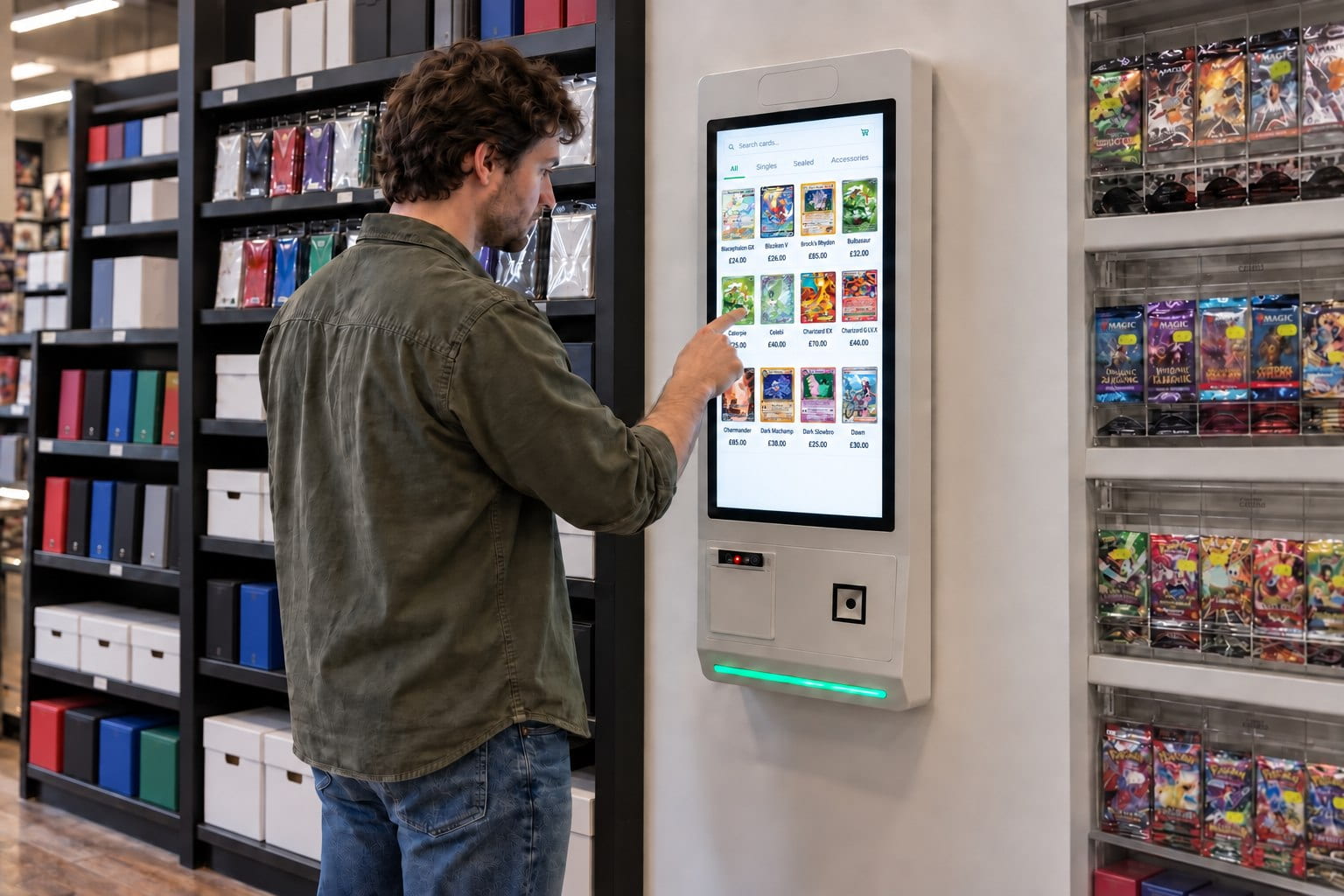
Illustration of a customer using a white kiosk with a green light to browse singles beside card shop shelving

01 Help customers buy

There’s more to browse than the display cabinet.

Your cabinets can only hold so much. The kiosk gives customers a way to explore the rest of your singles, check prices and find the cards they came in for.

They can take their time choosing, then send an order to your team to pick. You receive a clear card list, ready for the counter.

From browsing to the counter

Your catalogue, ready for customers to explore.

  1. Find a card

    Search your singles and compare the available options.

  2. Put an order together

    Choose the cards and quantities, then send the list to your team.

  3. Collect at the counter

    Your team picks the cards and helps the customer finish their purchase.

02 Help customers sell

Make it easy to bring cards in.

With the optional Buylist module, customers can find the cards they want to sell, add quantities and compare estimated cash and store-credit offers on the kiosk.

By the time they reach the counter, your team has a card list to work from. It’s a simple way to start a trade-in, whether you’re in the shop or at a card show.

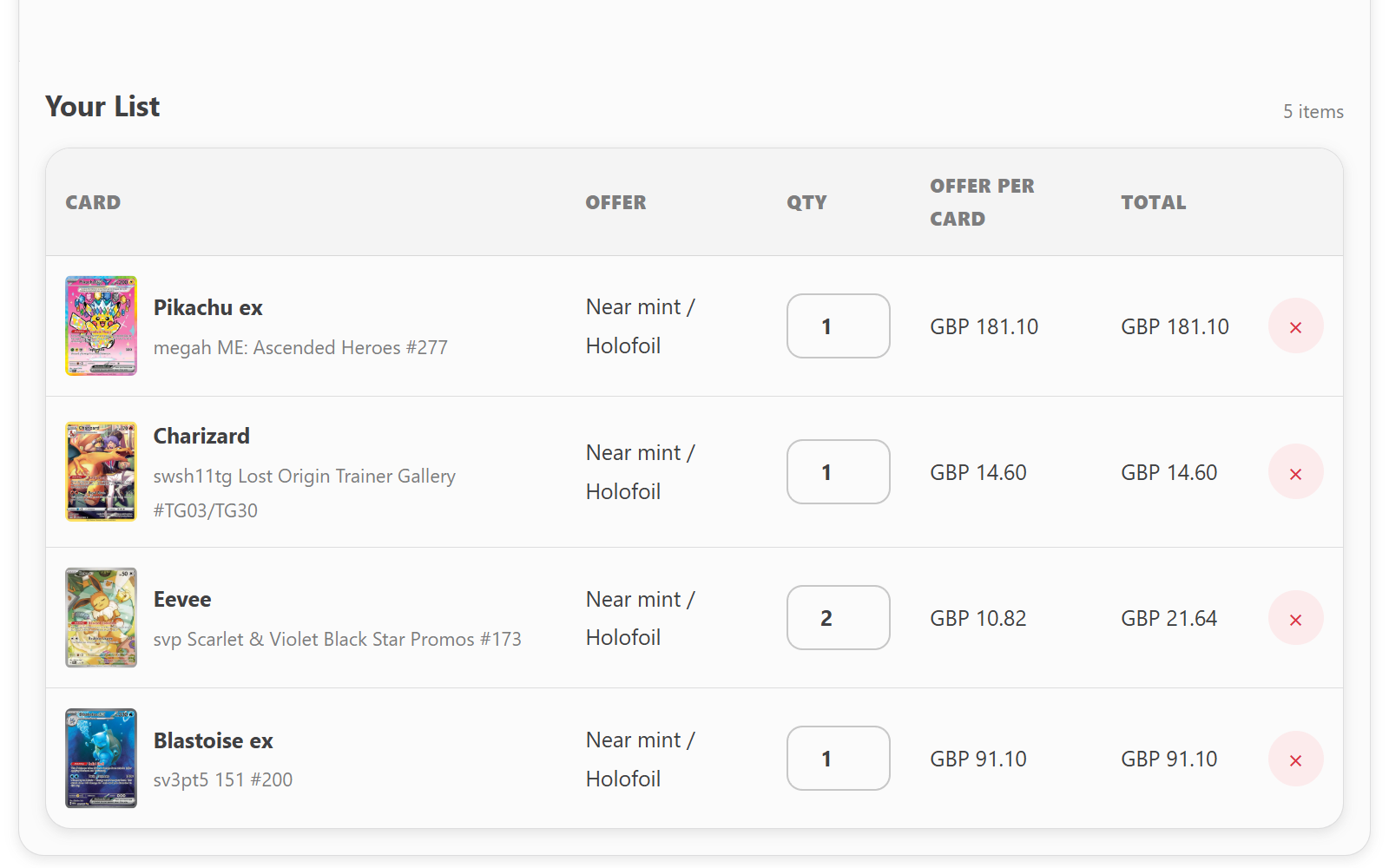
Customer preparing a trading card buylist submission with estimated cash and store-credit offers
A head start on trade-ins: customers prepare their list and see an estimated offer.

03 Help at the counter

A clear list. A personal handover.

The kiosk takes care of gathering the customer’s choices. Your team can get on with finding the right copies, answering questions and completing the sale.

For trade-ins, you check the cards and agree the final offer with the customer. Accepted cards then move into your inventory, ready for their next owner.

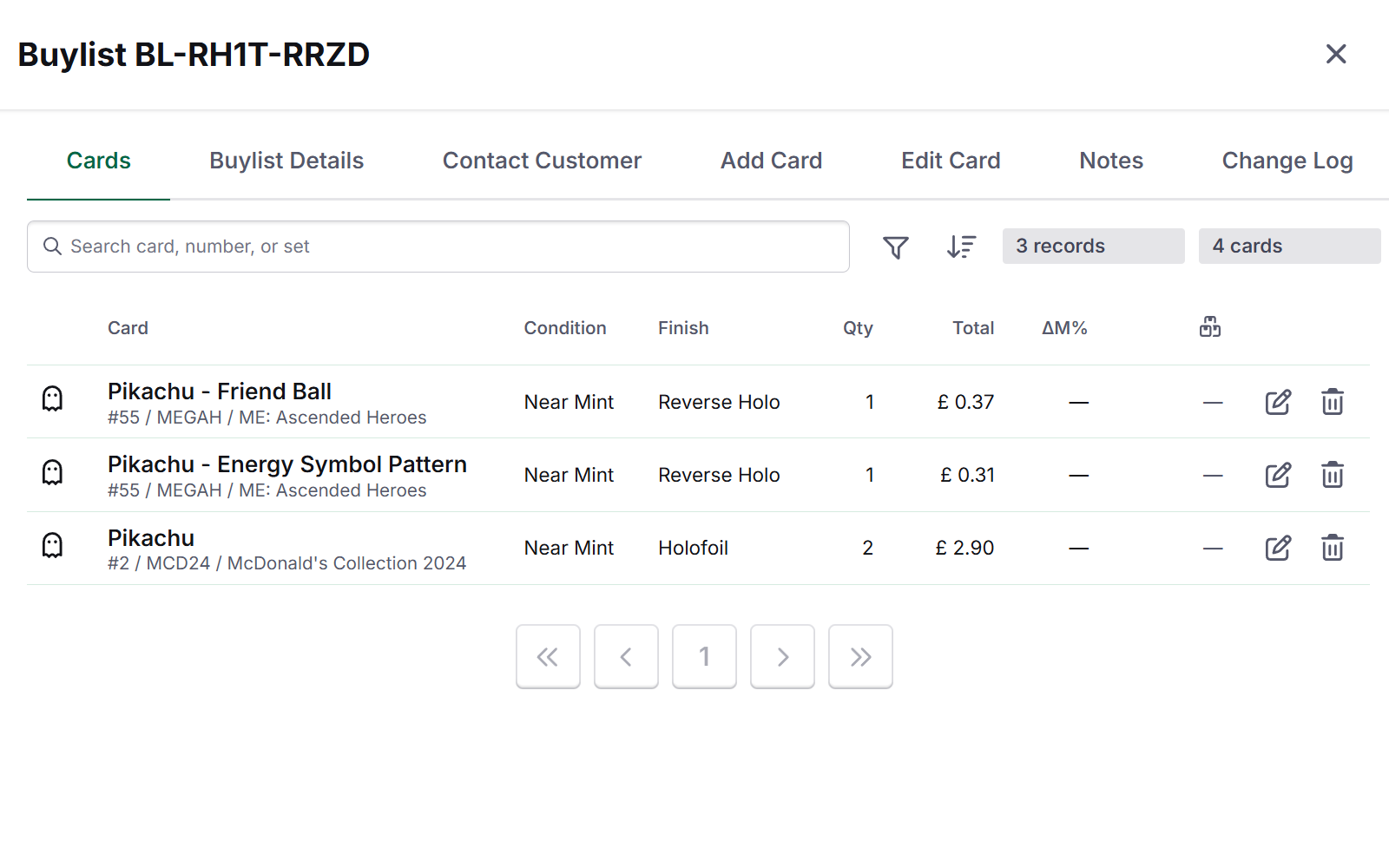
Card Companion buylist submission showing cards, quantities, estimated values and payout details for staff review
Ready for your team: review the submitted cards, confirm the condition and agree the final offer.

In-store kiosk questions

One kiosk for both sides of your singles counter.

Can customers use the kiosk to both buy and sell cards?
Yes. Customers can browse your singles and build an order. With the optional Buylist module, they can also prepare a list of cards they want to sell to your store.
Do we need a separate catalogue for the kiosk?
No. The kiosk connects to the Shopify catalogue your team already manages, so you can use your existing products and prices. Your online store stays as it is.
How does a kiosk trade-in work?
Customers find their cards, add quantities and compare estimated cash and store-credit offers. Your team receives the list, checks the physical cards and agrees the final offer with the customer.
Does the customer have to pay at the kiosk?
No. Customers can pay at your till when they collect their cards. Kiosk payment can also be configured with a compatible Stripe Terminal.
More kiosk questions
Can we use the kiosk at card shows?
Yes. Customers can browse your singles or prepare a buylist submission at a show too. You’ll need suitable space, power and an internet connection for your kiosk setup.
Can accepted trade-ins become stock to sell?
Yes. After your team reviews the submission, accepted cards can move into your inventory with the condition, language and finish you’ve confirmed.
See the kiosk in action.

See how customers can browse your singles and start a trade-in, with your team ready to help at the counter.

Book a demo