Marketplace syncing

Sell the same stock in more places.

Help more buyers find the cards you have in stock. Use your Shopify catalogue to list on connected marketplaces, and let Card Companion send stock updates as you sell cards or add more.

See how it works Book a demo
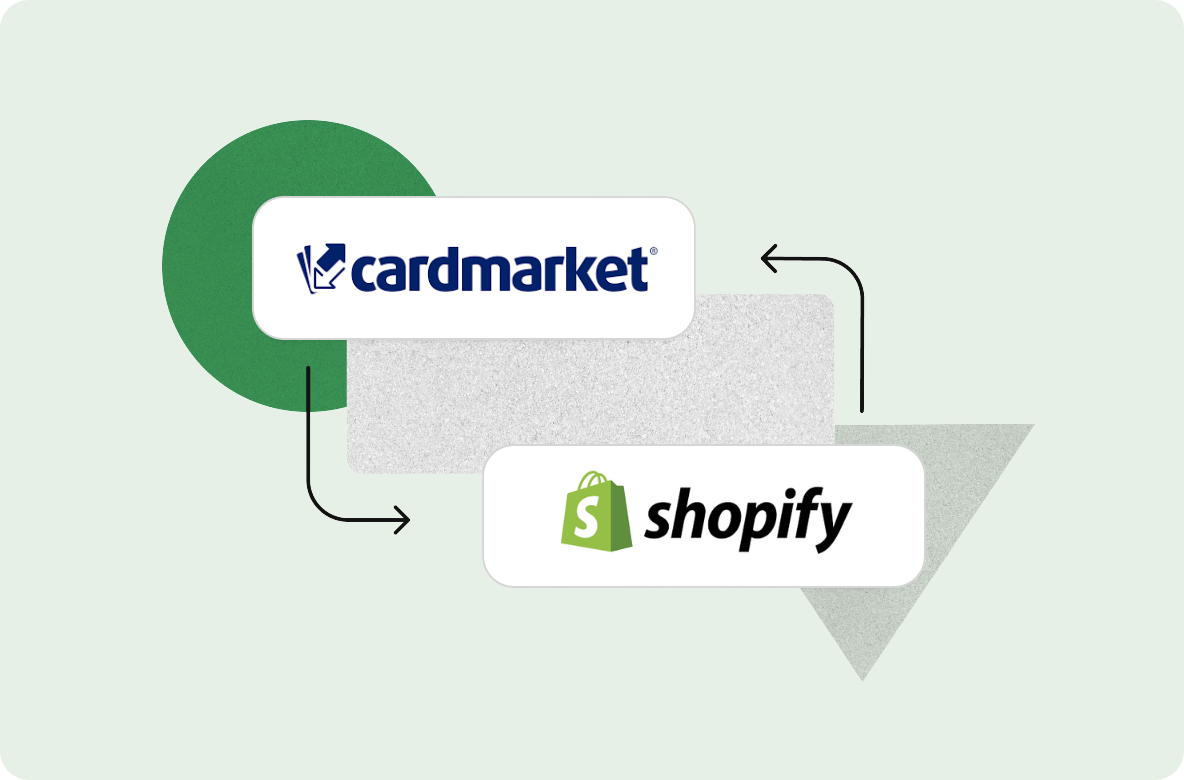
Card Companion integration view connecting Cardmarket listings with Shopify stock

01 Reach more buyers

Reach buyers beyond your website.

Some customers browse your website. Others head straight to Cardmarket or CardTrader. Connecting your store lets you offer the same cards in the places they already shop.

Start with the products you’ve already created. Once you’ve connected a seller account and checked its settings, you can list from that catalogue without building each product again.

One catalogue. More places to sell.

Choose the marketplaces that suit your store.

Your Shopify catalogue Connected by Card Companion

Available now

  • CardmarketDirect connection
  • CardTraderDirect connection
  • Mage CardsDirect connection
  • eBayVia Shopify Marketplace Connect

02 Keep stock in sync

A card sells. Your other listings need to know.

When you sell a card, add stock or adjust a count, Card Companion keeps your store stock and connected marketplace listings in sync. You can manage the same stock in one place, with less to update by hand.

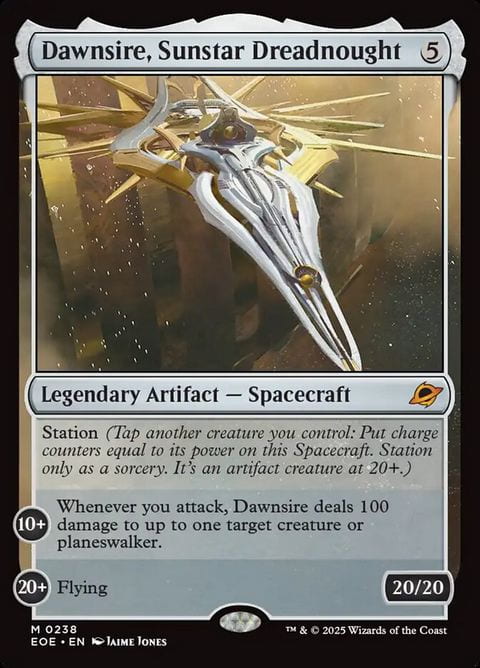
Dawnsire, Sunstar Dreadnought

Near Mint · English · Foil

Example
  1. Sold on Cardmarket

    A customer buys your last copy.

  2. Shopify stock updates

    One copy becomes zero.

  3. Your other listings update

    Card Companion shares the new quantity.

    • CardTrader0 available
    • Mage Cards0 available
    • eBay0 available
Example shown after these channels have updated.

03 Stay in control

Start with the marketplaces you know.

Choose a supported marketplace your customers already use. You’ll need your own seller account, and you’ll give Card Companion permission to connect to it. Check your pricing and listing settings before you publish.

Selling on eBay takes setup through Shopify Marketplace Connect too. Your marketplace accounts stay yours, with their own fees and settings. You can connect more supported marketplaces when you’re ready.

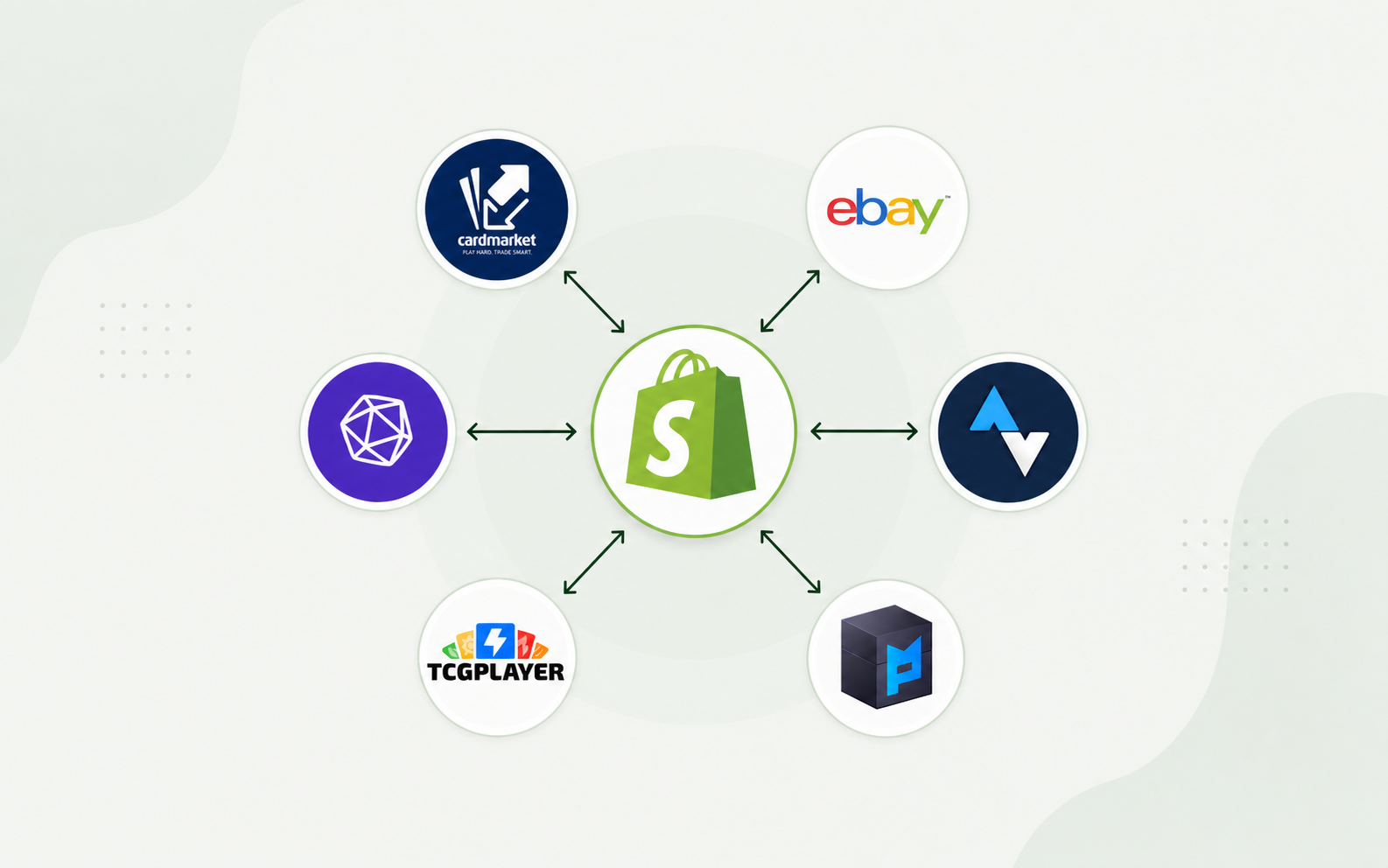
Shopify hub: solid arrows mark live Cardmarket, CardTrader, Mage Cards and eBay connections. eBay uses Marketplace Connect. Dashed lines mark TCGplayer and Mana Pool as in development.
Live connections: Cardmarket, CardTrader, Mage Cards and eBay via Marketplace Connect. TCGplayer and Mana Pool are in development, shown with dashed lines.

Marketplace syncing, explained

Questions before you connect.

Which marketplaces can we sell on today?
Cardmarket, CardTrader and Mage Cards connect directly. eBay connects through Shopify Marketplace Connect. Mana Pool and TCGplayer are in development.
Do we need our own marketplace seller accounts?
Yes. You use your own seller accounts and give Card Companion permission to connect to them. Check each account’s pricing and listing settings before you publish. For eBay, you’ll also need to set up Shopify Marketplace Connect. The accounts stay yours, with their own fees and settings.
Do we need to split stock between channels?
No. You can offer the same stock on your website and connected marketplaces. When it changes, Card Companion sends the new quantity to those marketplaces.
Does connecting a marketplace change our store?
No. You keep your Shopify products, theme, domain and checkout. Card Companion connects marketplace listings and stock to the store you already run.
More marketplace questions
How quickly does stock update after a sale?
Card Companion sends stock updates automatically after a sale. The timing depends on how each marketplace processes those updates.
Where do marketplace orders appear?
You’ll find connected marketplace orders in Shopify, alongside your website and counter orders. Your team can pick and pack from there. See how orders and fulfilment work.
Do prices sync as well as stock?
Yes. You set the pricing rules for each condition, language and finish, and your connected marketplace listings use those prices. Find out more about automatic pricing.
Tell us where you sell your cards.

We’ll walk through the connections that fit your store, what you’ll need to set up and how stock moves when a card sells.

Book a demo