One card. Two ways to make an offer.
A card with a £10 GBP market value
- Cash offer
- £5 GBP50% of the £10 GBP market value
- Store-credit offer
- £6 GBP£5 GBP cash offer + a 20% credit bonus
Buylists and trade-ins
Give customers a simple way to sell you their cards through your Shopify store. They build a list and see estimated offers; your team reviews the cards and adds accepted copies to your stock.
01 Set the offer
Choose how much you offer for each game, with separate rates for cash and store credit. You can offer a little extra in credit to give customers more to spend with you.
Try your rules on a sample submission before putting them live. Your team stays in charge of the final offer.
A card with a £10 GBP market value
02 Let customers build their list
Customers use your online buylist to find their cards, add quantities and compare estimated cash and store-credit offers.
Your team gets the list ready to review. In store, customers can also prepare a submission through a Companion Kiosk.
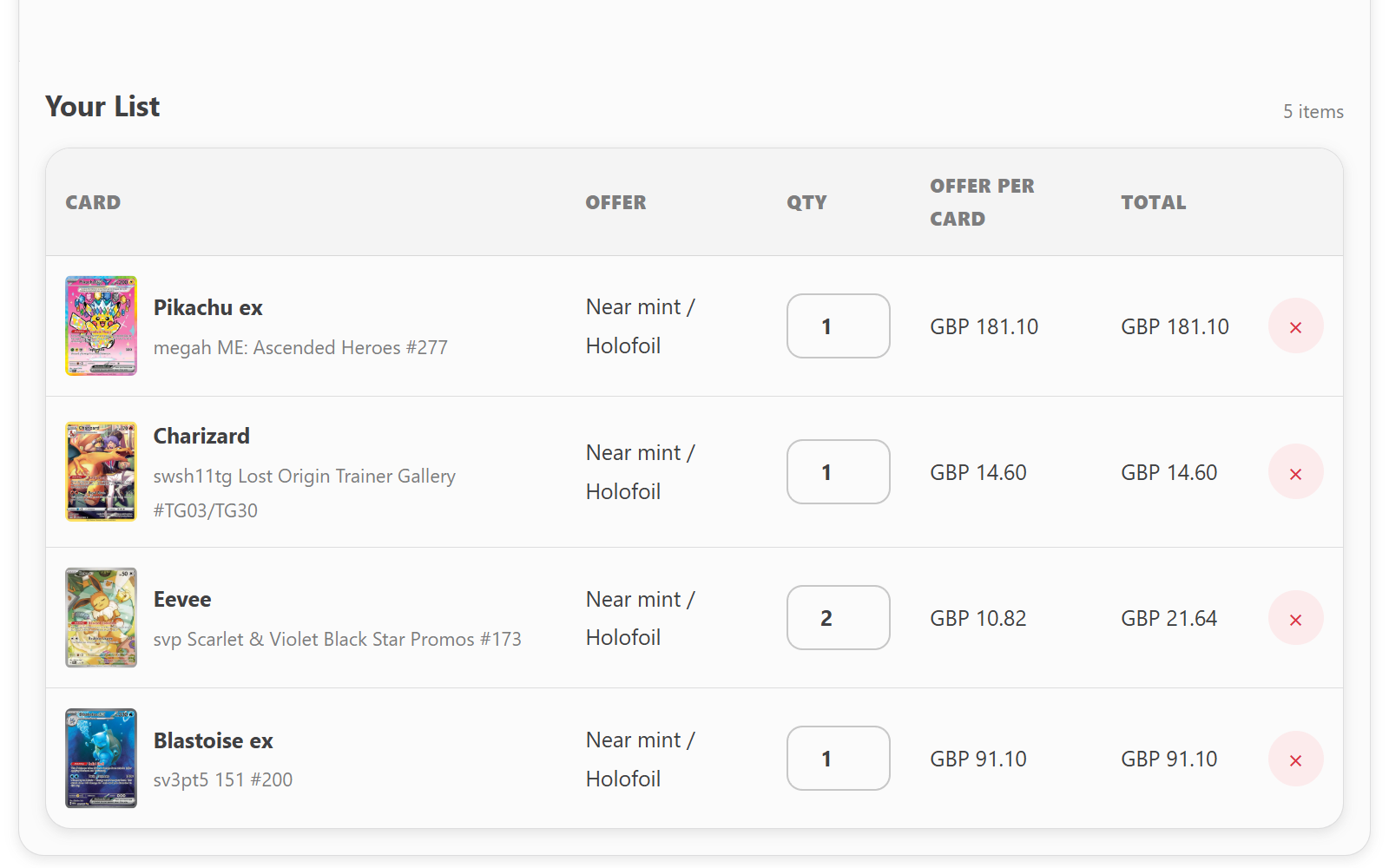
03 Review and receive
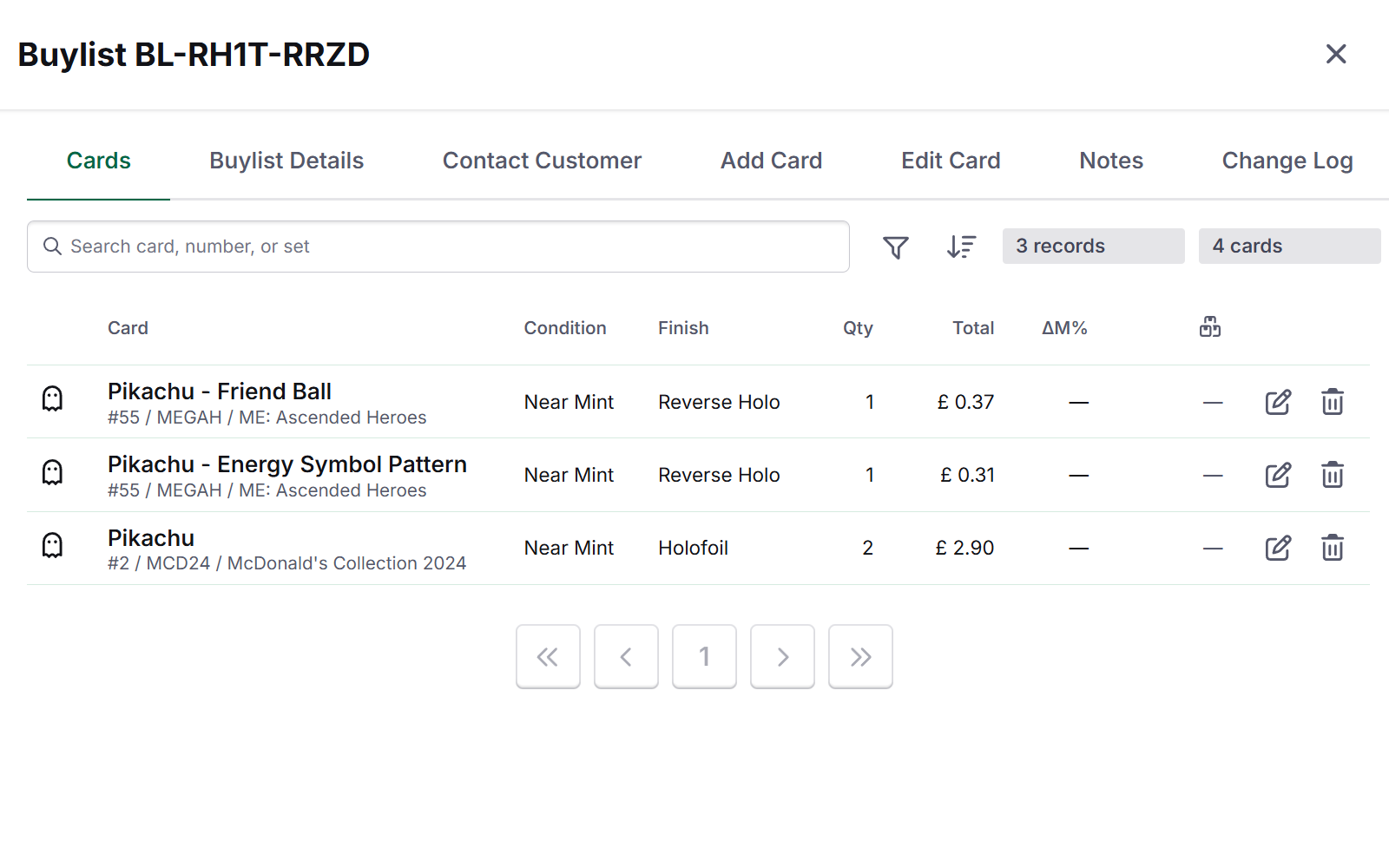
Open a submission to see the cards, quantities, estimated values and the customer’s preferred payment method together.
Check the cards when they arrive, make any adjustments and approve your final offer. Then add the accepted cards to the inventory you already sell from.
Good to know
We’ll show you how customers submit their cards, how your team reviews them and how accepted cards become stock you can sell.