Scan Cards With the TCGplayer App, Then Import the CSV
Use the TCGplayer app for the fast first pass, then bring the CSV into Card Companion so your team can review the rows before they become sellable stock.
A phone scanner is good at turning a stack of cards into a list. For a store, the useful part comes next: turning that list into stock your team can trust. The TCGplayer app can be the quick capture step, while Card Companion handles the store step: import the CSV, review the rows, and move accepted cards toward Shopify, Cardmarket, and the rest of the singles operation.
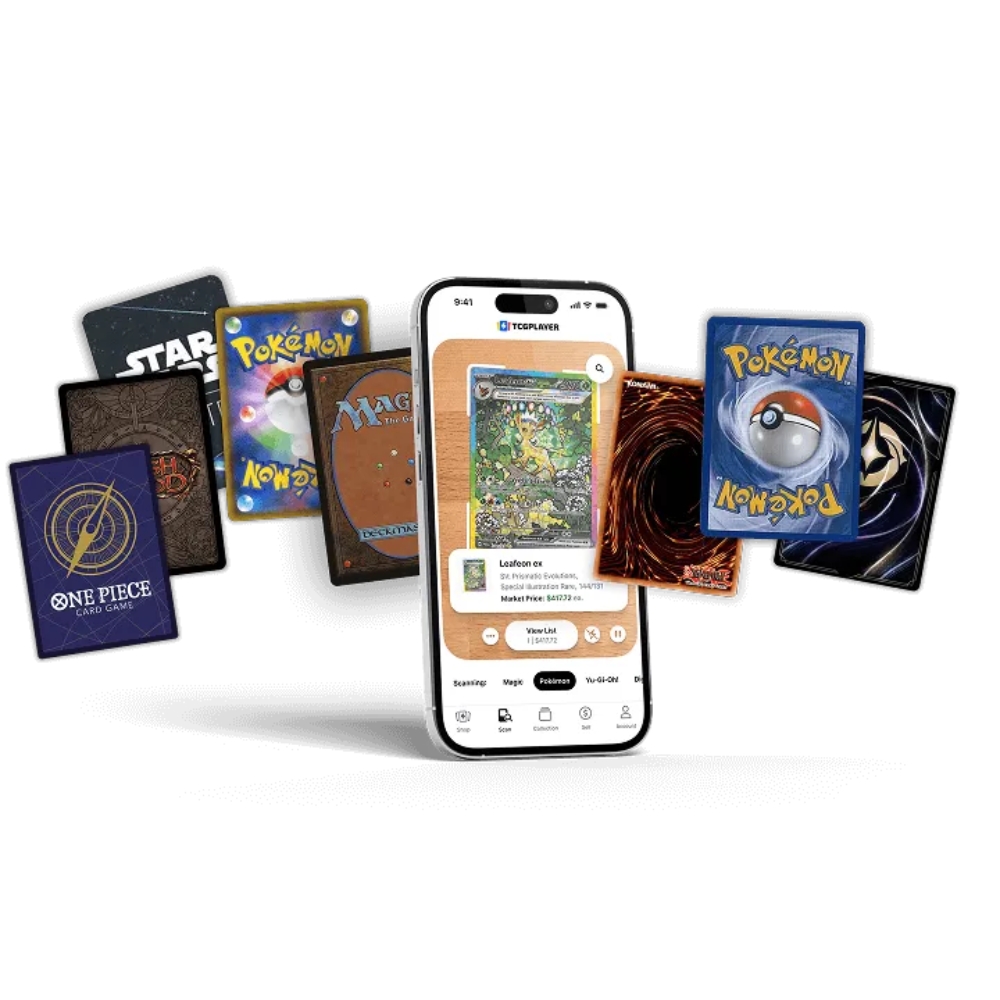
If you already use the TCGplayer app to scan cards, Card Companion can use that export as the starting point. Export the app list as a CSV, then upload it for review. The important part is keeping the card identity and version detail intact, because the import needs enough structure to know which card the row is talking about.
The scan is easiest to trust when the cards are still in front of the person doing the work. Use good light, keep the background plain, and scan in batches small enough to check while the pile is still on the table. A trade-in tray or an event box is easier to review than one giant file called "new cards".
If a card scans strangely, fix it while the stack is still on the table. Once the cards are boxed away, every correction takes longer.
Plain text lists are fine for deck notes, but stores need rows. A CSV gives the import something to match against your catalogue and hold for review. A card name on its own is rarely enough, because staff still need to know which printing they are handling, what condition was agreed, and how many copies should come into stock.
If you need the exact app settings, TCGplayer's card scanning guide covers the CSV export flow. It is worth checking before you build a repeat workflow around the file.
Card Companion treats the TCGplayer CSV as intake data, not finished truth. The file gets the cards into the workflow faster, but your team still gets a review step. During review, staff can catch the practical misses: the wrong version, a condition that needs a second look, or a quantity that does not match the pile on the table.
This is the difference between scanning and inventory. Scanning identifies the cards. Inventory is what your store is prepared to sell.
This workflow is useful when the first job is identification. It fits collection buys, trade-in backlogs, show stock, and bulk Pokemon sorting because the team can capture the stack before deciding what should be listed. The phone keeps the first pass quick, the CSV keeps the list movable, and Card Companion gives the team a place to turn that list into stock and channel work.
A boring CSV is a good CSV. Keep the export close to the format the scanner produced, save a copy before editing, and avoid tidy-up work that removes the fields used for matching. If the team does need to edit the file, make the changes deliberately and upload a small batch first so mistakes stay small.
Card Companion sits after the scan and before the sales channels. It helps Shopify-based TCG stores turn scanned rows into stock the rest of the operation can use. The scanner stays focused on capture, while the store system handles the review, stock creation, and channel work. Your team gets fewer cards to type by hand and a clearer path from intake to sellable stock.